
Insights
Inside Water’s New Creative Stack: Image Generation and GPT-5.6
Water is becoming the place where an idea can move from a sentence to a finished creative without bouncing between five disconnected tools.
Sanskar Singh Dangol
3 min read
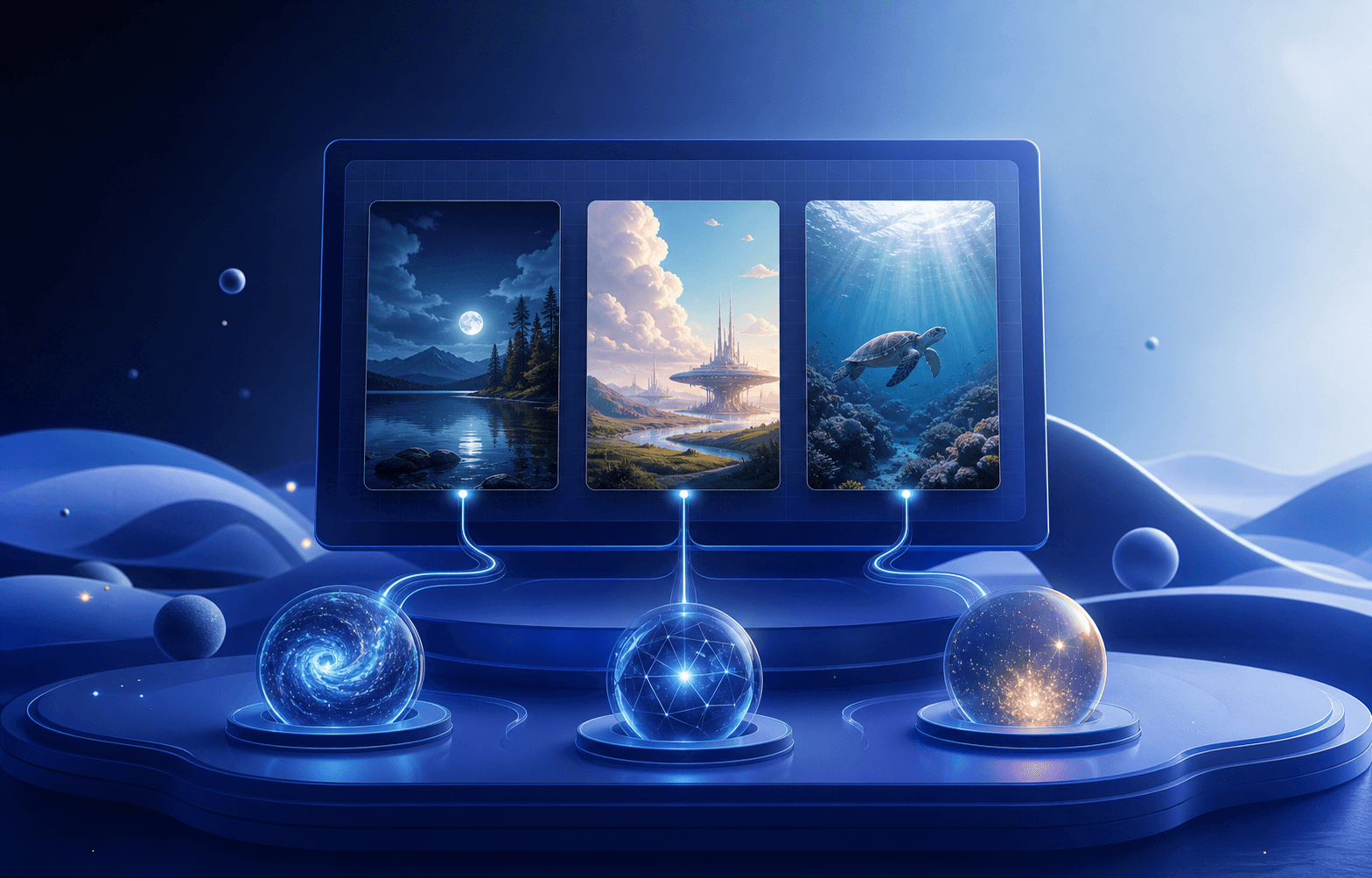
Water is becoming the place where an idea can move from a sentence to a finished creative without bouncing between five disconnected tools.
The latest creative stack brings two big upgrades together: a broader image-generation workspace and a new GPT-5.6 family for Lisa. One gives teams more control over what gets made. The other gives them more control over how deeply Lisa thinks about the work.
One canvas, more ways to create
Inside Water, image generation now supports a wider model lineup, including OpenAI gpt-image-2, Google Nano Banana and Nano Banana Pro, Seedream 5 Pro, Seedream 5 Lite, and Seedream 4.5.
That choice matters because different creative jobs ask for different strengths. A fast social draft, a high-detail campaign visual, a reference-led edit, and a large-format composition should not all be forced through the same model and settings.
Water keeps those choices inside the workflow. You can start from a prompt, select the model that fits the job, tune the available size or quality controls, and bring the result directly into the editor. Generated work stays connected to the gallery and canvas instead of becoming another download you have to find and re-upload.
Meet Luna, Terra, and Sol
Lisa’s new GPT-5.6 lineup is built around three clear choices:
- GPT-5.6 Luna is the everyday default. It is the right starting point for quick briefs, captions, routine creative work, and most product actions.
- GPT-5.6 Terra is for work that benefits from more deliberate reasoning: campaign planning, multi-step edits, structured analysis, and decisions with several moving parts.
- GPT-5.6 Sol is the heavy-duty option for the hardest briefs, deeper research, and complex work where extra reasoning is worth the time.
Each model also exposes reasoning effort controls, so the choice is not simply “fast or smart.” You can match both the model and the amount of thinking to the job in front of you.
New Lisa conversations start with Luna at medium reasoning. Existing conversations keep their selected settings, so active work is not silently changed underneath you.
Why the two upgrades belong together
Image generation is most useful when it understands the job around the image.
A campaign visual needs the right format, audience, brand context, channel, and message. Lisa can help shape that brief, choose a suitable creative path, and carry the work into Water. The image models then do the rendering, while the editor gives you the final control over layout, crop, type, layers, and export.
That creates a much tighter loop:
- Explain what you need in plain language.
- Let Lisa help turn the request into a usable creative direction.
- Generate with the image model that fits the job.
- Refine the result on the Water canvas.
- Save, reuse, or move the creative into the next campaign step.
The goal is not to remove judgment. It is to remove the mechanical gap between having an idea and getting something editable in front of you.
Built for real creative iteration
The new stack is designed around iteration rather than one-shot generation. You can compare different model outputs, work with references where supported, adjust generation settings, and continue editing the selected result.
Water also keeps credit usage visible and reconciles charges against completed generations. Premium choices can cost more than a standard generation, and failed jobs should not quietly consume a successful-result charge.
What to try first
Start with a real piece of work you already need this week.
Ask Luna to turn a rough campaign idea into a concise image brief. Generate two directions with different image models. Bring the stronger result into the editor, adjust it for the channel, and keep the final asset in your gallery.
If the brief becomes more strategic or has several constraints, switch the conversation to Terra. Save Sol for the genuinely difficult work.
Water’s creative workflow is getting broader, but the point is simple: fewer handoffs, more control, and a much shorter distance from idea to finished asset.
Keep reading
Instagram Comment Ideas for Small Product Brands
Reply examples for the comments a small product brand actually gets, from ingredient questions to public complaints, plus honest ways to invite…
10 min read
Cottage Food Law Illinois: Selling and Promoting Online
Illinois allows in-state online sales and shipping of cottage food, with registration, a CFPM and a set label. Here is what the…
10 min read
Ecommerce Product Photography at Home: A Simple Setup
A phone, a window, a plain surface and a fixed shot list are enough to photograph a small catalogue consistently. Here is…
11 min read