
Improved/Featured/May 15, 2026
Youanai is getting more hands-on
Choose Lisa's model, talk to Lisa, organize your gallery, add video voiceovers, and move creative work faster in Youanai.
Choose Lisa's model, talk to Lisa, organize your gallery, add video voiceovers, and move creative work faster in Youanai.
Since our last update, we shipped a lot of the work that makes Youanai feel less like a tool you operate and more like a creative system you can talk to, organize, shape, and trust.
The big picture: Lisa has more model choices, Lisa can now listen, your gallery is easier to manage, video work has new voiceover tools, and the everyday creative workflow has fewer rough edges.
Lisa models
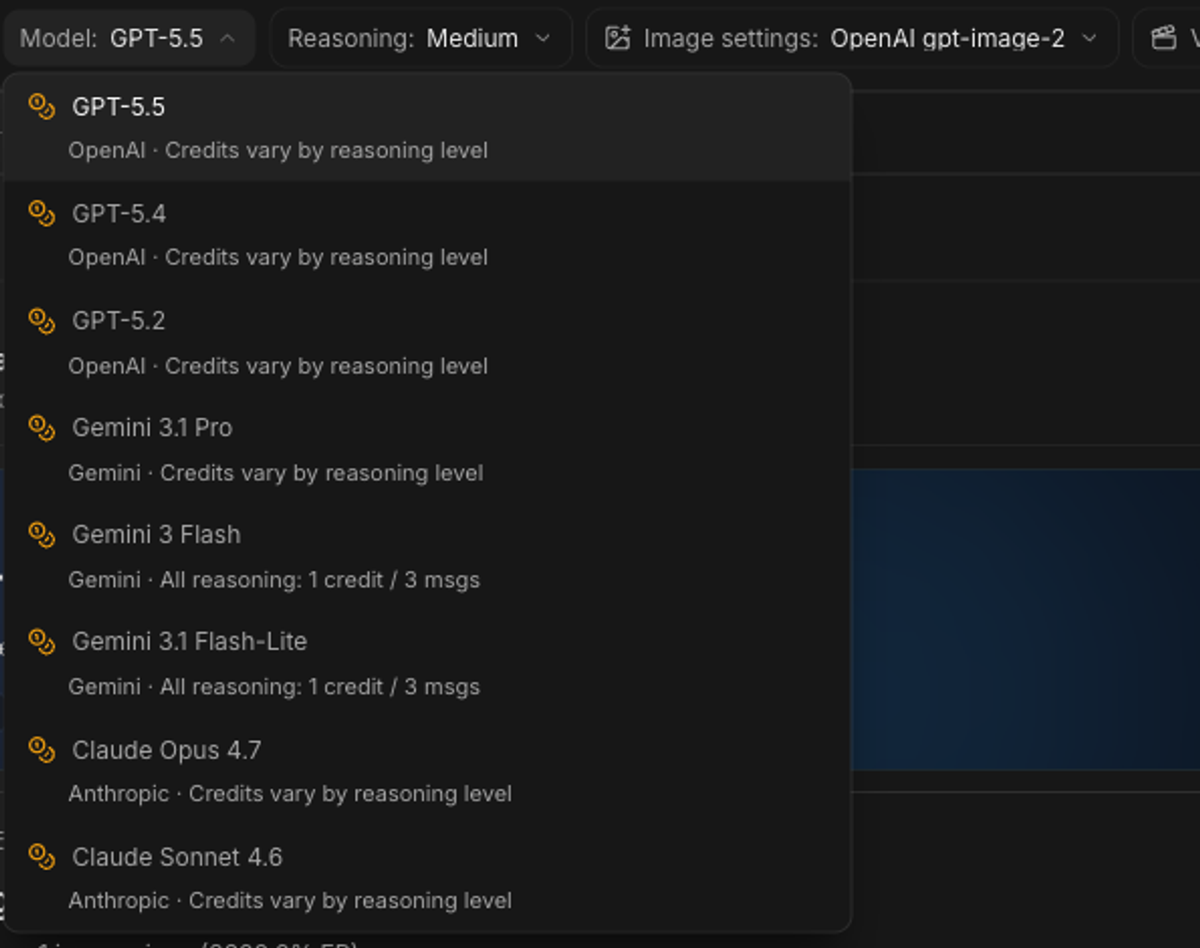
Lisa now has expanded model choices across OpenAI, Gemini, and Anthropic. Gemini 3 Flash is the new default for fast everyday work, and you can switch models when a task needs a different kind of reasoning.
GPT-5.5, GPT-5.4, GPT-5.2, Gemini 3.1 Pro, Gemini 3 Flash, Gemini 3.1 Flash-Lite, Claude Opus 4.7, and Claude Sonnet 4.6 are now part of Lisa's model picker, with reasoning options that adjust to each provider.
Billing now follows that choice too: most Lisa messages still use 1 credit per 3 messages, while higher-reasoning premium choices use 1 credit per message.
Lisa voice
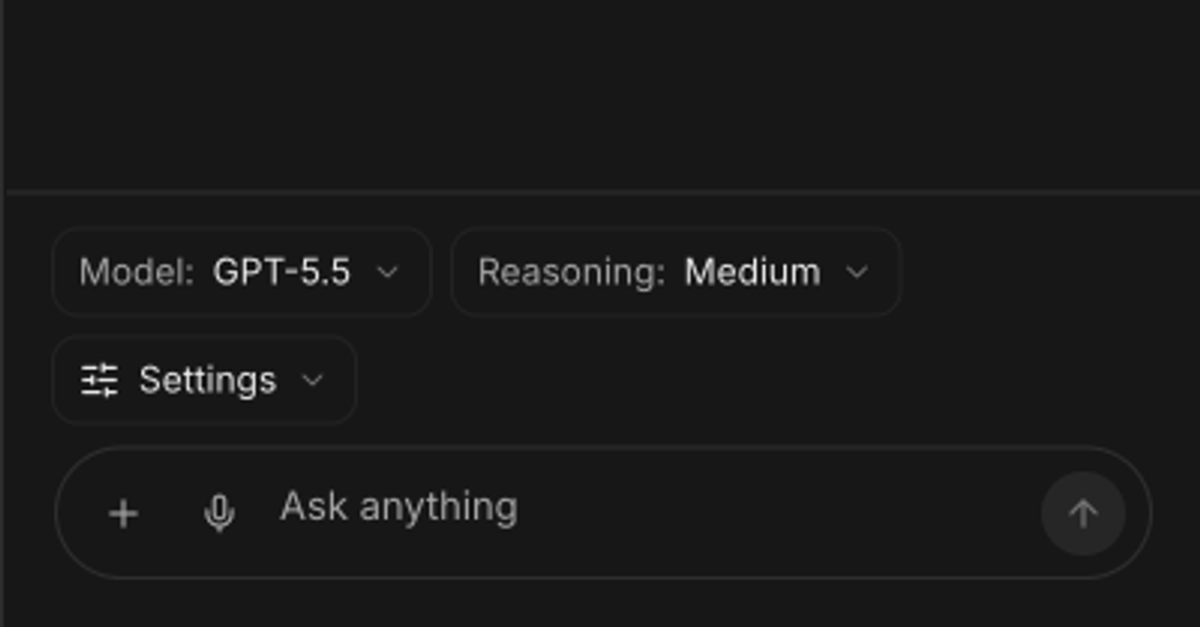
Lisa now supports realtime voice input, so you can talk through a request when typing would slow you down.
We also tightened the voice composer, added guardrails around rapid voice use, and made startup feel smoother so the experience is more reliable in normal work.
Video editor
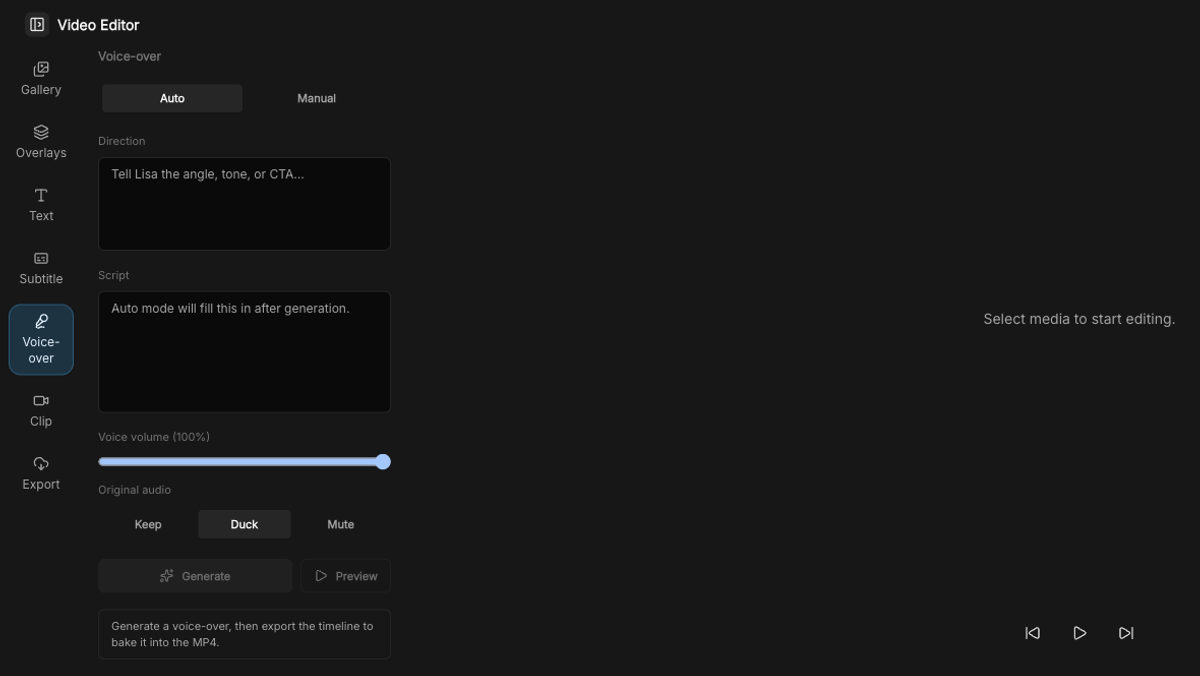
The Video Editor now has voiceover support, making it easier to turn generated visuals, product clips, and campaign ideas into finished social assets.
It is part of a larger push to make video work in Youanai feel like one flow: make the asset, edit the asset, add context, and ship.
We also moved Veo video generation onto the current Veo 3.1 model, with Sora options still available when they fit the job better.
Gallery
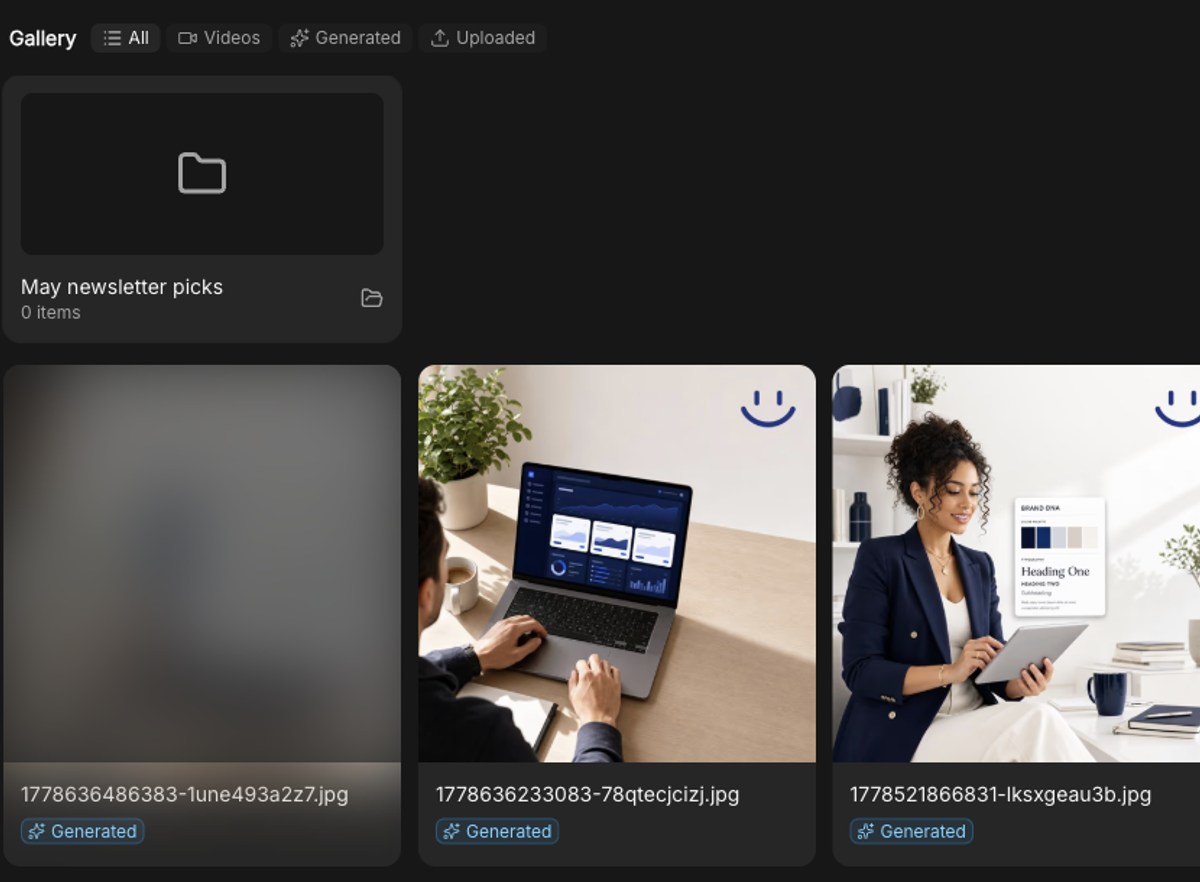
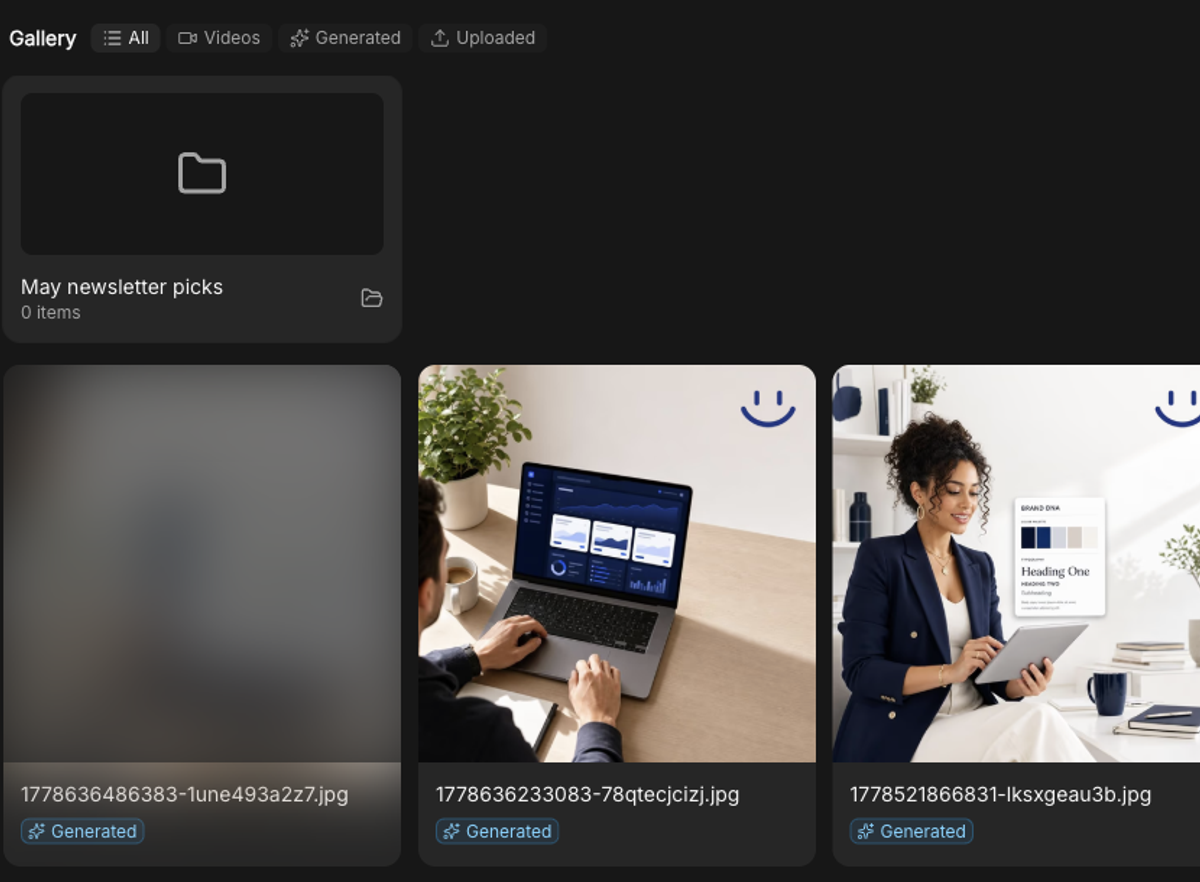
Gallery now supports folders, so you can create, rename, delete, and organize creative assets without keeping everything in one big visual pile.
We also cleaned up the Uploaded filter so generated assets and uploaded assets are separated more clearly.
Lisa with images
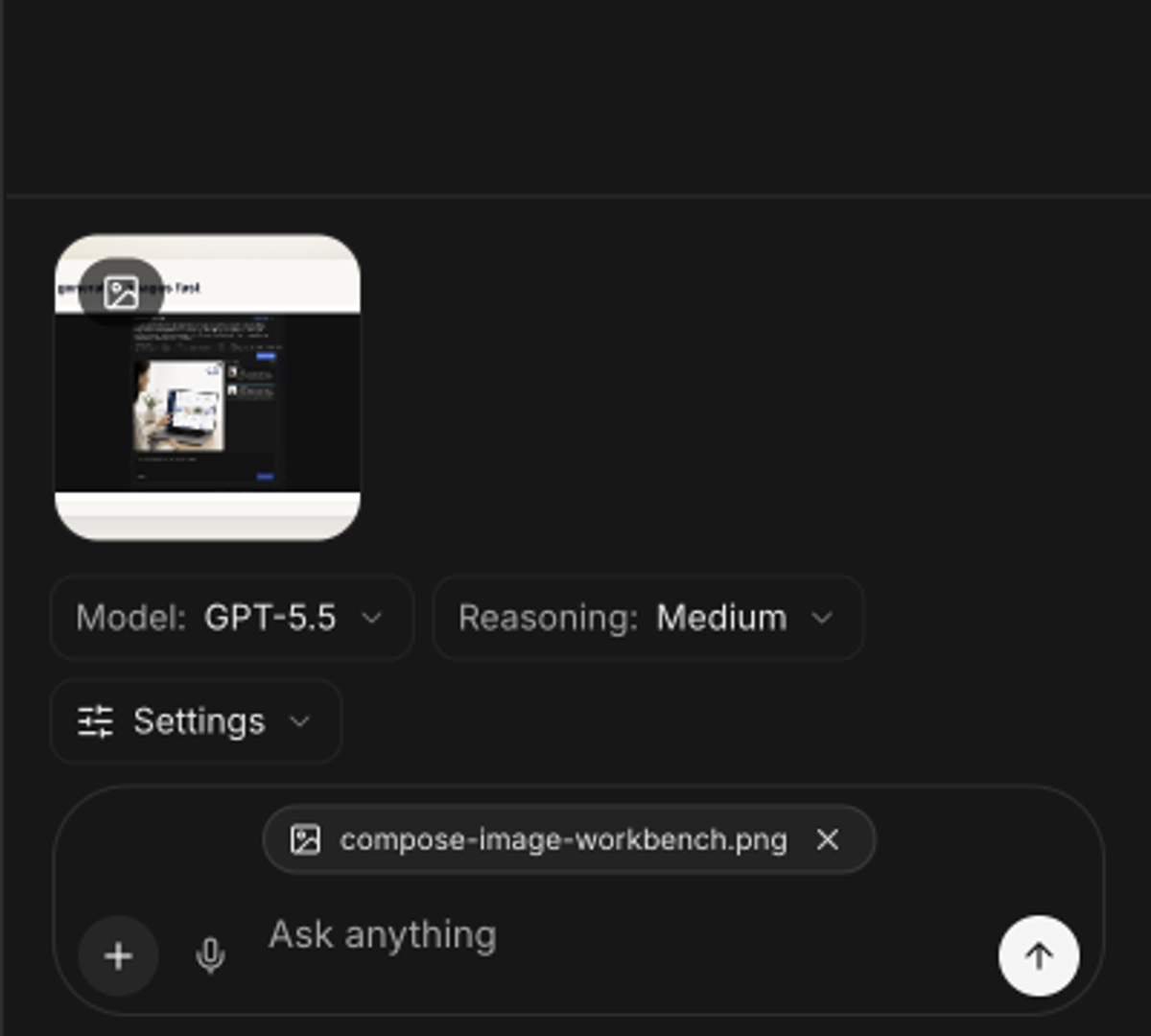
When you attach an image to Lisa, she can now receive it as actual visual input instead of only metadata.
We also added visual inspection support for gallery and post images, plus safer draft behavior when a request implies media but the saved file references are missing.
Compose
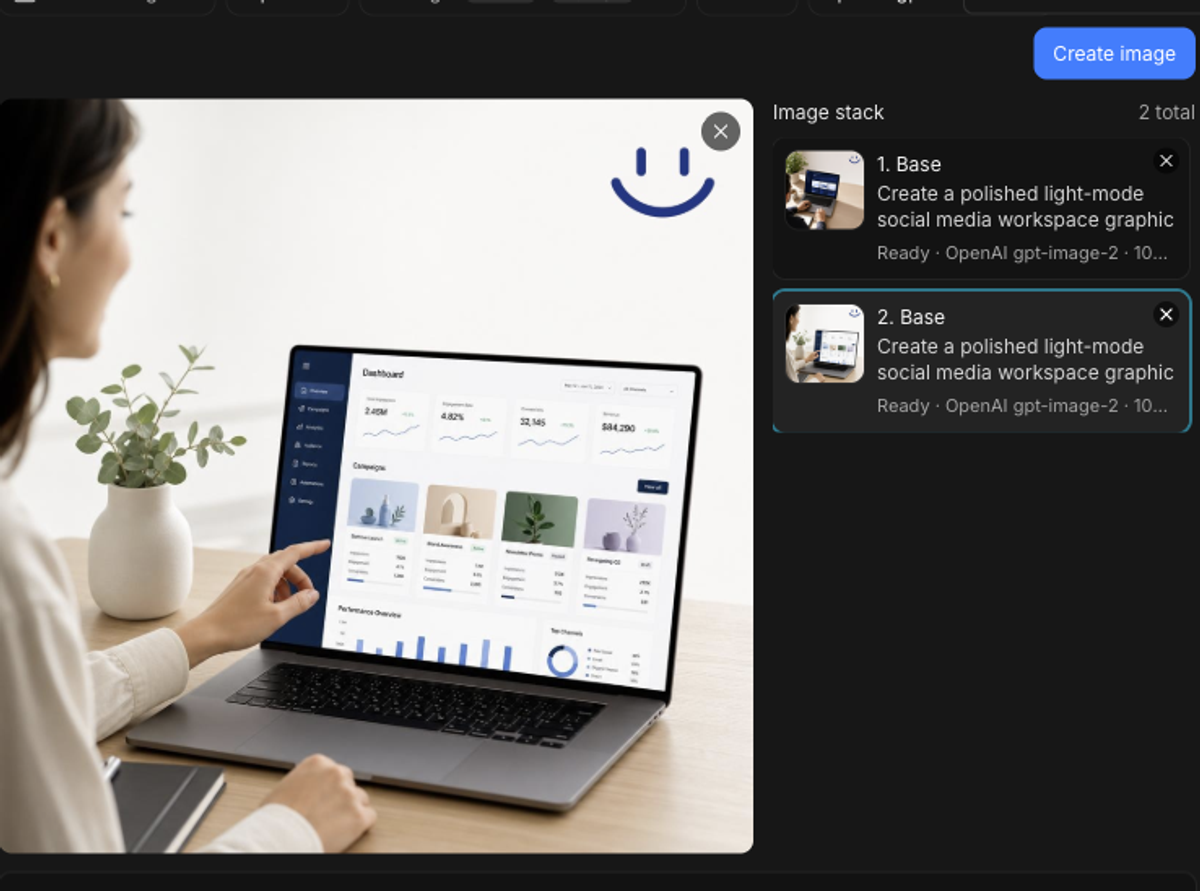
Compose now keeps a persistent image workbench, so multiple generated images can coexist and be selected independently.
Edits now attach to the image you selected instead of accidentally drifting across the stack, which makes iteration feel much less fragile.
Business DNA
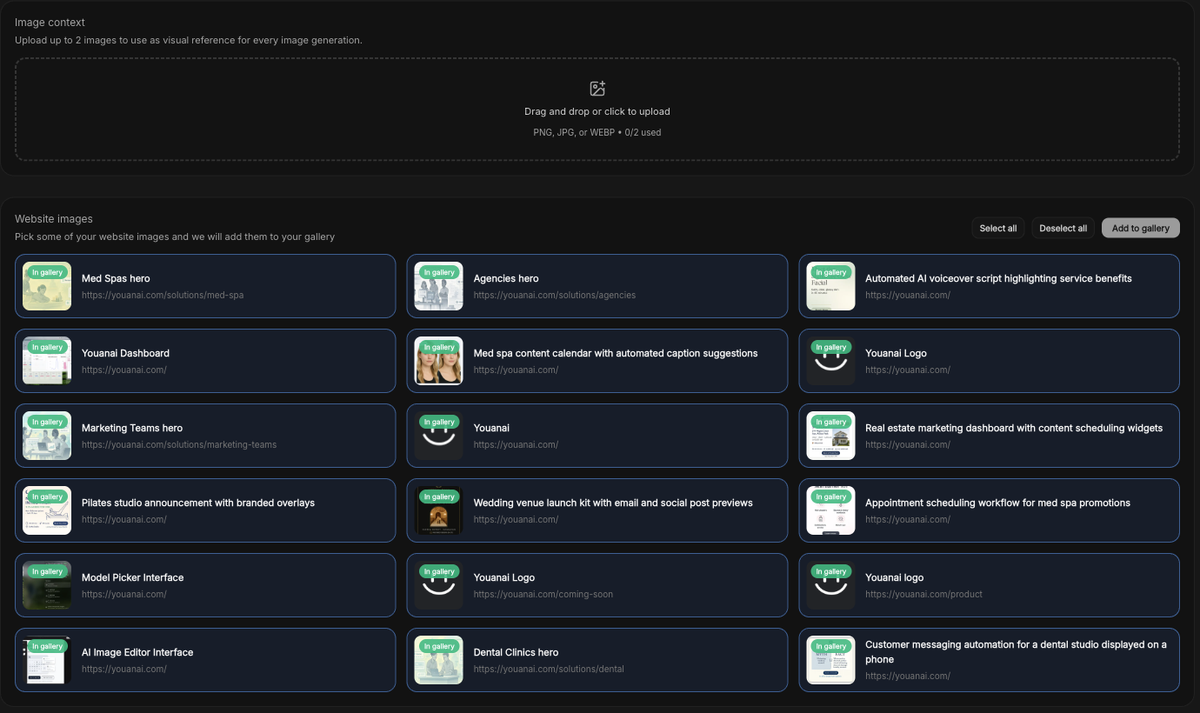
Business DNA can now carry richer image context, which helps Youanai understand the visual side of your brand instead of relying only on written notes.
We also tightened brand asset handling and made brand colors a stronger source of truth for creative generation.
Youanai Social polish
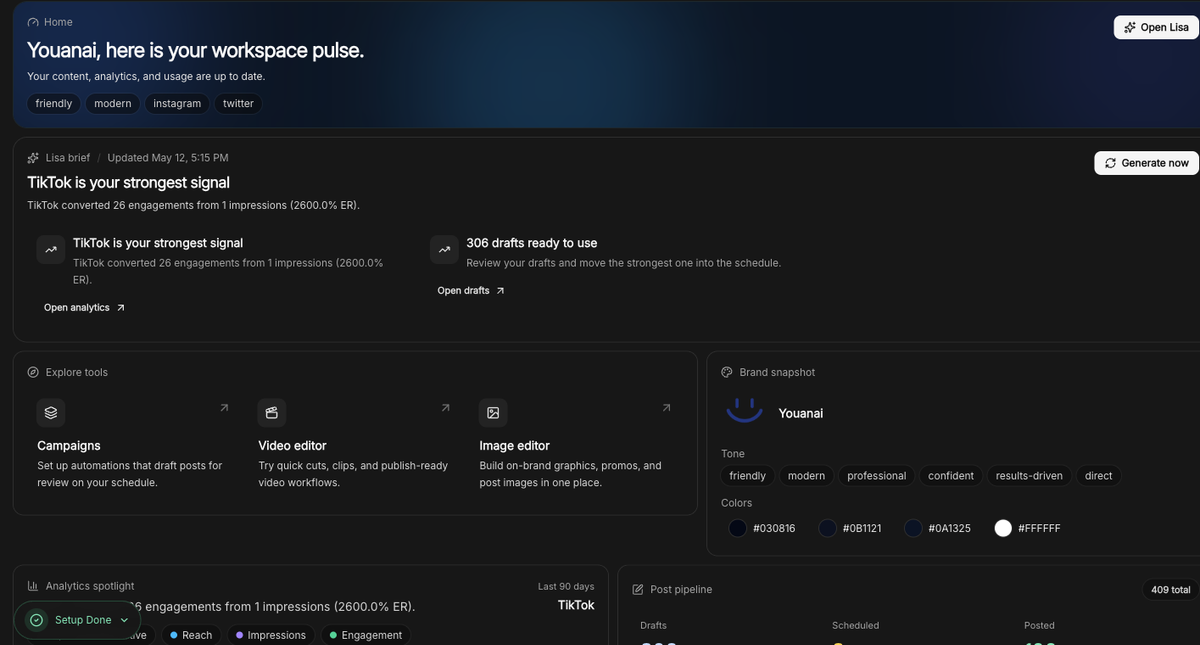
We cleaned up rough edges across Lisa approvals, analytics, calendar, campaigns, feed, gallery, review, compose, video editor, and settings.
The goal was simple: fewer confusing states, clearer labels, better mobile behavior, and less UI that makes you stop and wonder what just happened.
Lisa polish
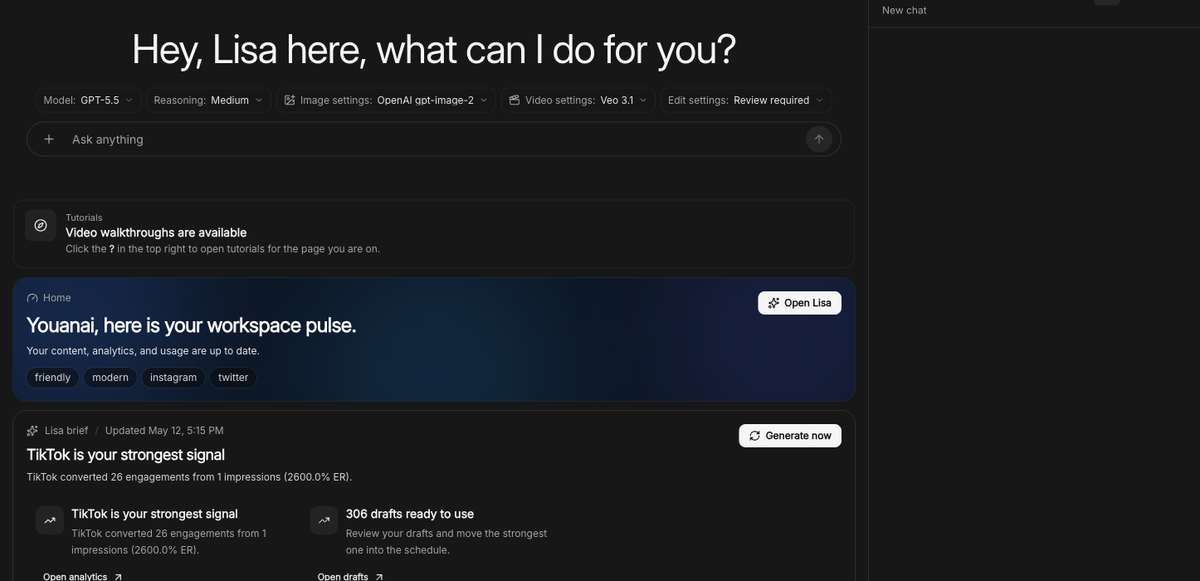
Lisa Home is now available to everyone, with daily brief loading that feels more automatic and less like a setup chore.
We also added thread archiving, expanded Lisa's automation/tool coverage, improved prompt caching and retry behavior, tightened mobile controls, and made Lisa runtime health checks more resilient.
Some of the best updates are the ones you only notice because work stops breaking in tiny annoying ways.
Media links now last longer. Generated assets, videos, previews, editor media, brand assets, and related files now use a shared 7-day media link window.
Public media and AI endpoints are safer. We hardened SVG handling, outbound URL checks, request limits, and related public paths.
Gallery and editor actions are more resilient. Browser cache limits should no longer block gallery uploads, image-editor saves, or large creative libraries.
Team and navigation flows are more dependable. Invite handling, sidebar links, settings menus, and mobile scroll behavior got cleanup so the app behaves better across edge cases.
What this adds up to
You can now speak to Lisa, give her richer media context, organize your creative library, add voiceovers, and move from idea to asset with fewer steps in between.
Try the new workflow in Youanai, and hit reply if there is one part of your creative process you still wish felt faster.
Keep building, The Youanai Team