
Announcement/Featured/April 15, 2026
Big moves at Youanai
Managed+ is here, onboarding is sharper, Lisa feels smoother, and editing just got easier.

Managed+ is here, onboarding is sharper, Lisa feels smoother, and editing just got easier.
We have a big launch to share, plus a stacked round of product improvements that should make Youanai feel easier, smoother, and more useful day to day.
From Managed+ to smarter onboarding, better Lisa workflows, much more intuitive image editing, built-in page walkthroughs, and easier email login, a lot has changed.
We're introducing Managed+, our new managed solution for businesses that want Youanai to do the marketing for them.
Think of it as an AI-native marketing agency: Youanai's AI engine does the heavy lifting, and a dedicated strategist keeps everything aligned to your brand, goals, and channels across social, ads, SEO, email, and more.
If you want a hands-off growth engine without the traditional agency overhead, learn more at youanai.com/managed (https://youanai.com/managed?utm_source=newsletter&utm_medium=email&utm_campaign=updates-apr-2026).

We launched a much better onboarding flow so new users can move from setup into actual content much faster.
It is a cleaner path from brand inputs and strategy to first drafts, which means less fumbling around at the start and more momentum right away.
If you haven't signed up for Youanai yet, this may honestly be the perfect time to try it.

We've been making a lot of improvements behind the scenes to how Lisa works, and you should feel that in the product.
The approval flow is smoother now too, so Lisa can make changes more naturally and you can approve or deny things with less friction.
Overall, Lisa should feel better in reliability, better in accuracy, and just smoother to use.
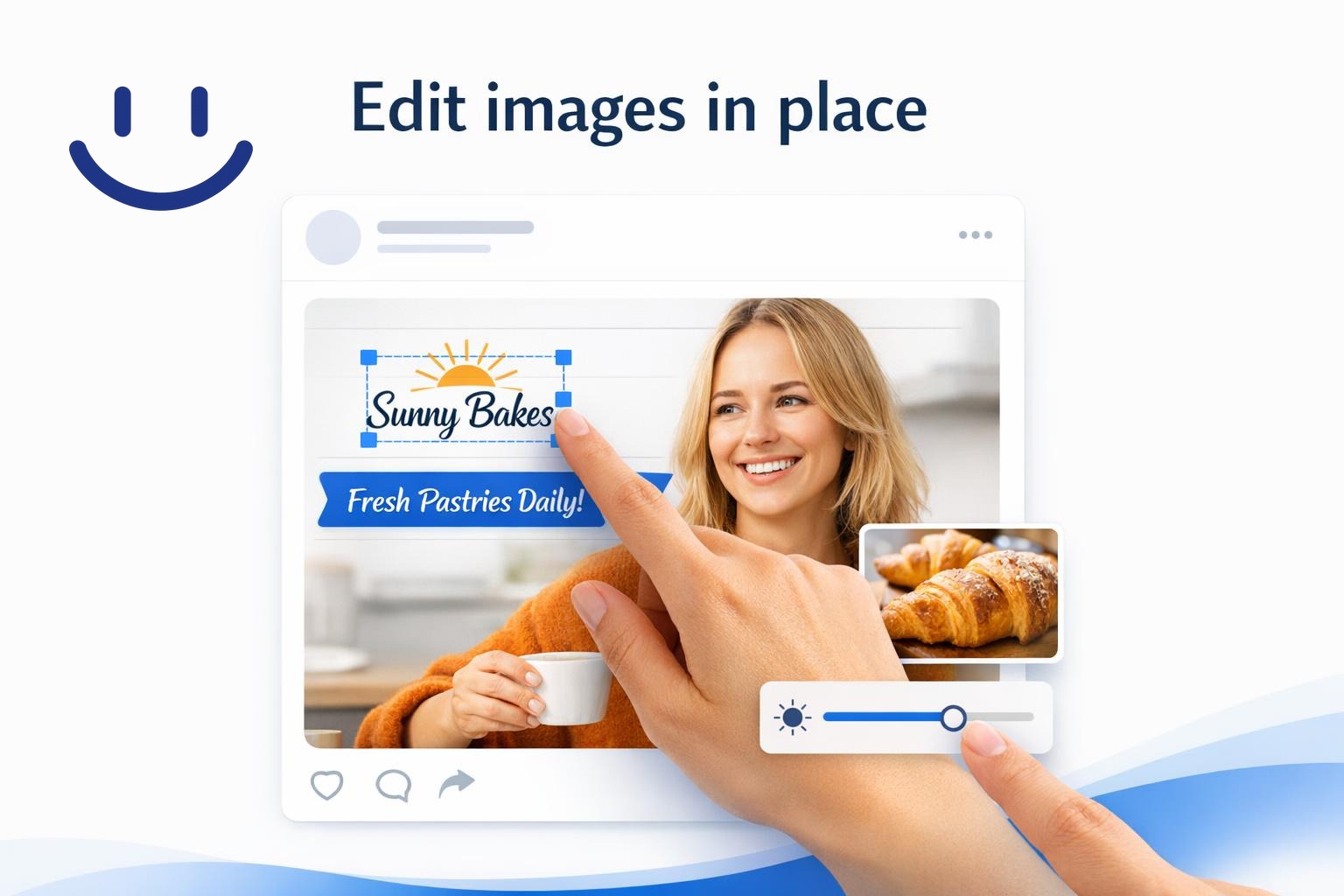
Image editing should feel a lot more intuitive now. We built the image editor directly into posts and gallery, so you can edit images in the place you're already working instead of bouncing around.
Click Edit image from a post or a gallery item and you can move logo positions, add more text, drop in banners or shapes, or make other creative changes right there.
And if you want help, you can also have AI edit the image for you.
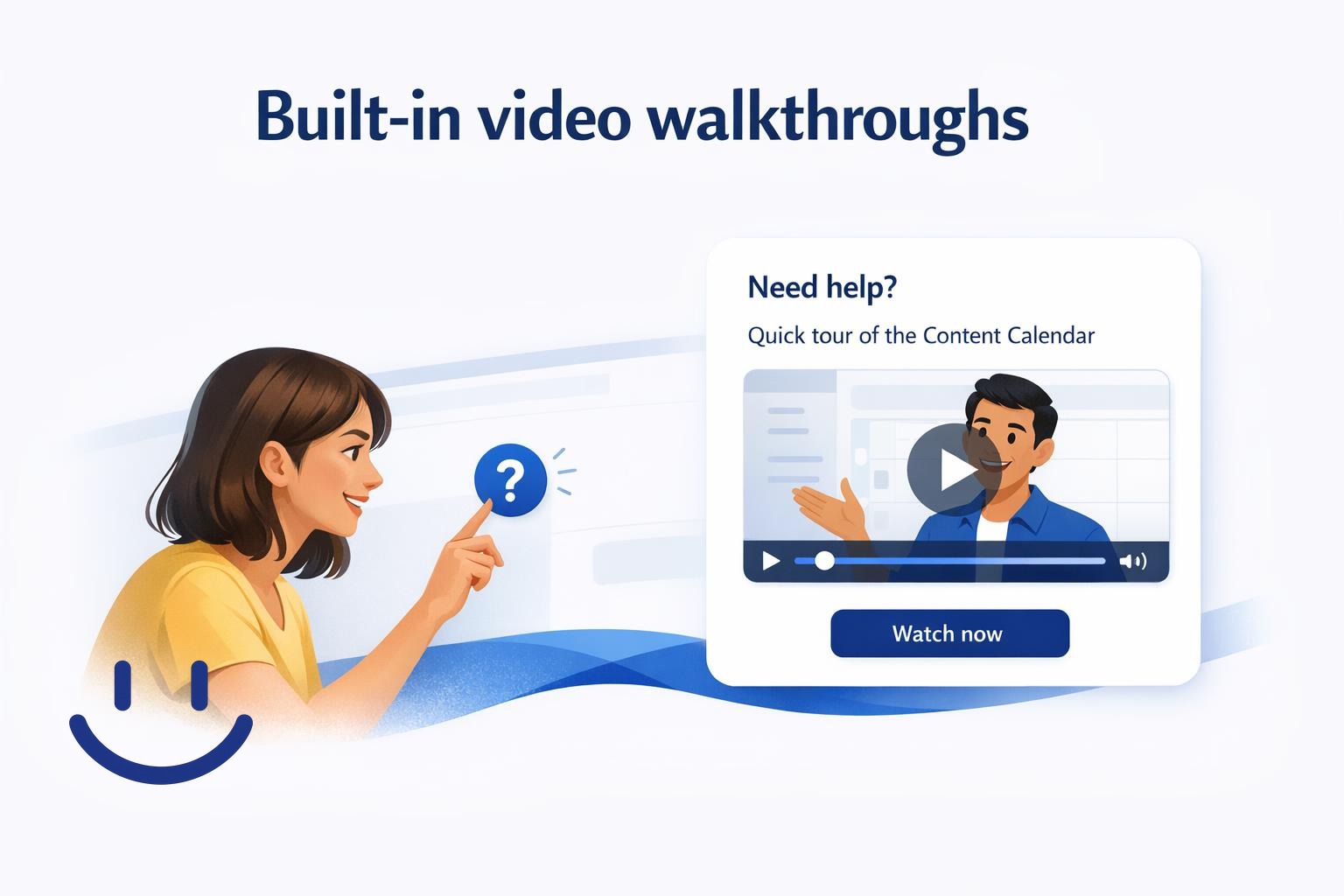
If you're ever confused about what a page can do, just click the? icon wherever you are in the app.
We'll show you a short video walkthrough for that specific page so you can quickly understand what's there and how to use it.
Watch it as many times as you want. It's there to stay.

We heard from customers who use email login that sometimes the device receiving the email is not the same device they're using to log into Youanai.
That made magic-link login awkward in some real-world cases, so we added an 8-digit code option alongside the magic link.
It should make logging in much easier for anyone who has run into that issue before.
These are genuinely major updates for us, and we're excited to get them into your hands.
If you try anything here and have thoughts, questions, or feedback, hit reply. We read it all.
Keep building, The Youanai Team